
Private messaging.
Without your number.
MsgYap is a username-first messaging platform for people, businesses and future institutional communication. It starts by reducing unnecessary phone-number exposure.
 Username-first identity
One number carries too many identities.
A mobile number is a telecom identifier. In everyday life it also becomes a messaging address, recovery channel, banking contact, work contact and school or clinic contact. Sharing it once can expose it far beyond the conversation.
Short interaction, permanent identifier
A delivery, booking or marketplace enquiry should not require handing over the number tied to your banking and personal life.
One number, many identities
Personal, work, family and institutional conversations converge on a single number that is difficult to separate later.
Business and private overlap
Employees and owners often use personal SIMs for sales, support and field work. The relationship follows the person, not the organisation.
Institutions fragment
Schools and clinics need communication workflows but should not turn a parent’s or patient’s personal number into a permanent public record.
Communication that fits real life.
The same username-first identity can serve very different people without forcing them into one consumer template.
Individuals & families
Keep the number that receives OTPs and bank calls out of everyday conversations.
Businesses & professionals
Give teams a role-based identity instead of publishing personal SIMs to customers.
Schools & parents
Class, homework and notice communication without a public phone-number directory. Schools →
Clinics & care teams
Appointments and follow-ups as a controlled workflow, not a medical-record replacement. Healthcare →
Communities
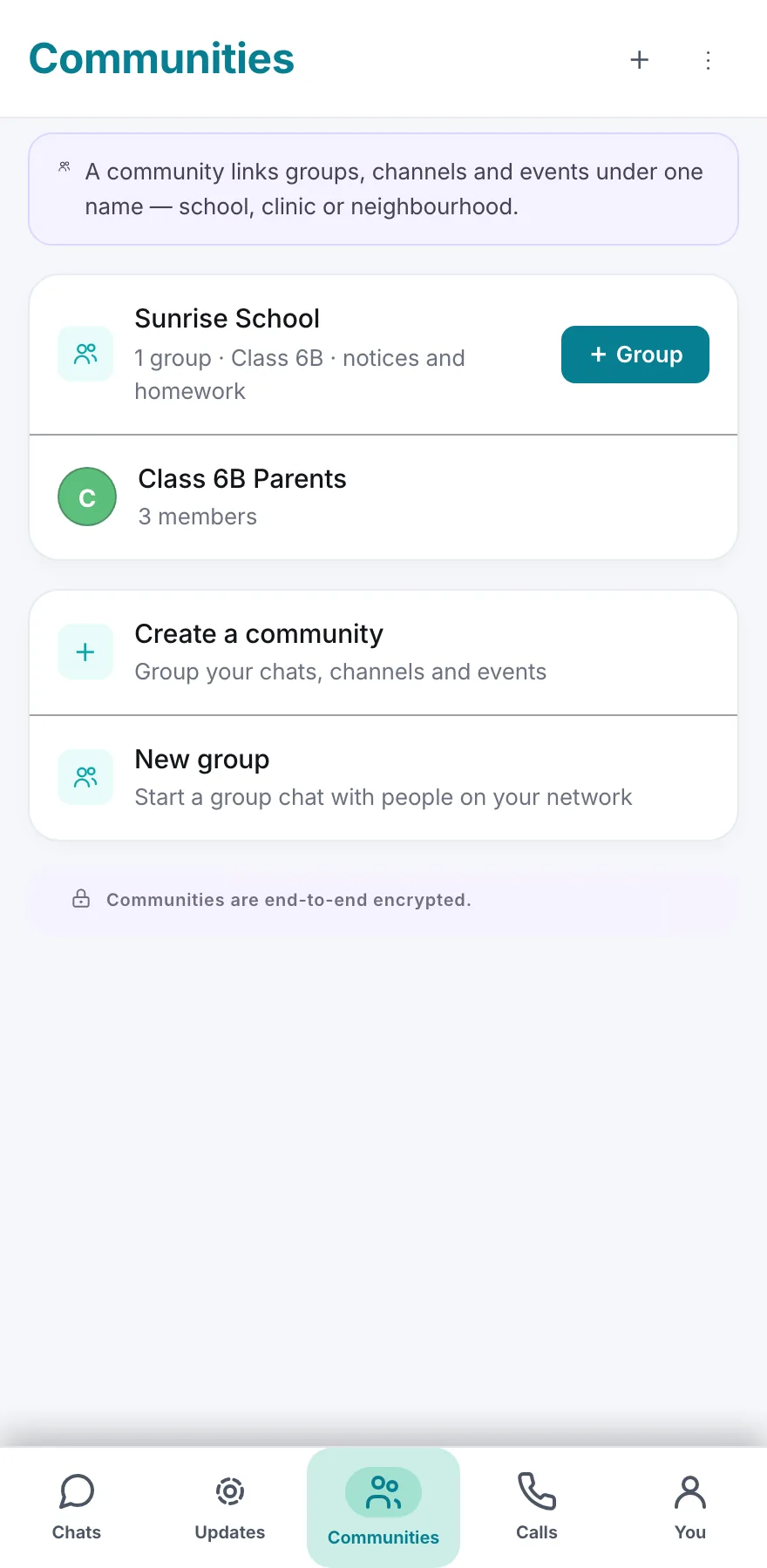
Apartment groups, parent networks and clubs without publishing every member’s number. Communities →
Public-facing professionals
Doctors, lawyers, founders and officials can separate a public contact identity from their private number.
One app for the conversations you actually have.
Messaging, calls, updates and organisation workspaces share one username-first identity — no phone number, no contact upload.
Chats & groups
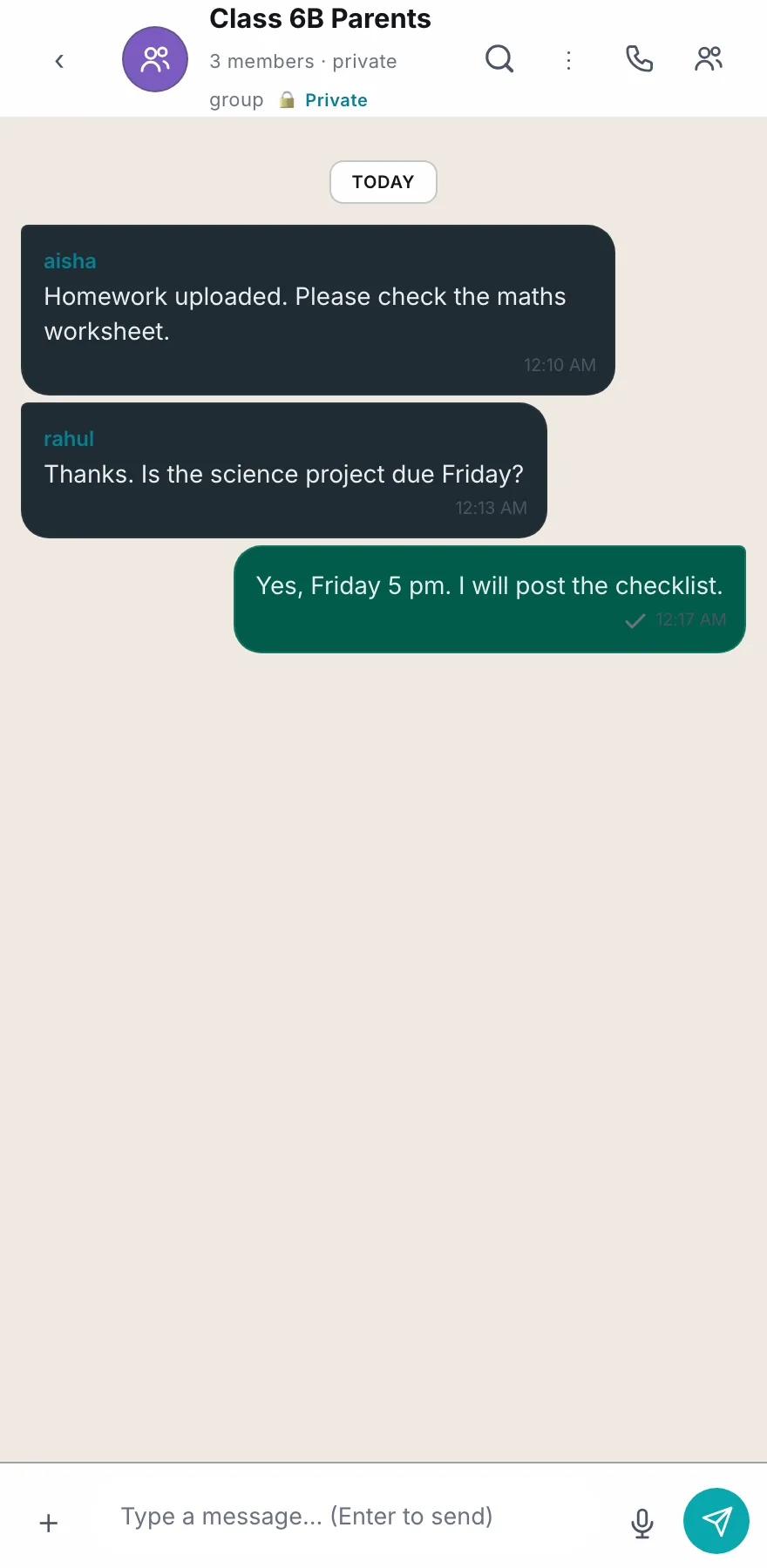
1:1 and group conversations with replies, edits, deletes, reactions, starred messages, polls and events. Long-press any chat to pin, mute, archive or mark it unread.
Voice & video calls
Encrypted calls with mute, camera, screen share and speaker selection. Recording only starts when both people accept, and both see that it is on.
Status updates
Text and photo updates that expire after 24 hours, with a viewer list and an audience you choose: everyone, contacts only, everyone except, or only specific people.
Communities
Bring up to 25 groups under one name, invite members by username, post an announcement everyone reads, and hand ownership on if you step away.
Channels
Broadcast to followers where only you post. Follow or unfollow straight from the list, search inside a channel, and remove a post you no longer stand behind.
Schools
Classes with join codes, homework with submission and review, daily attendance, pinned notices and a direct report line to the class teacher. Schools →
Clinics
Consults with recorded consent, prescriptions with history, family access, and appointments the patient confirms or cancels. A communication tool, not a medical record. Healthcare →
Businesses
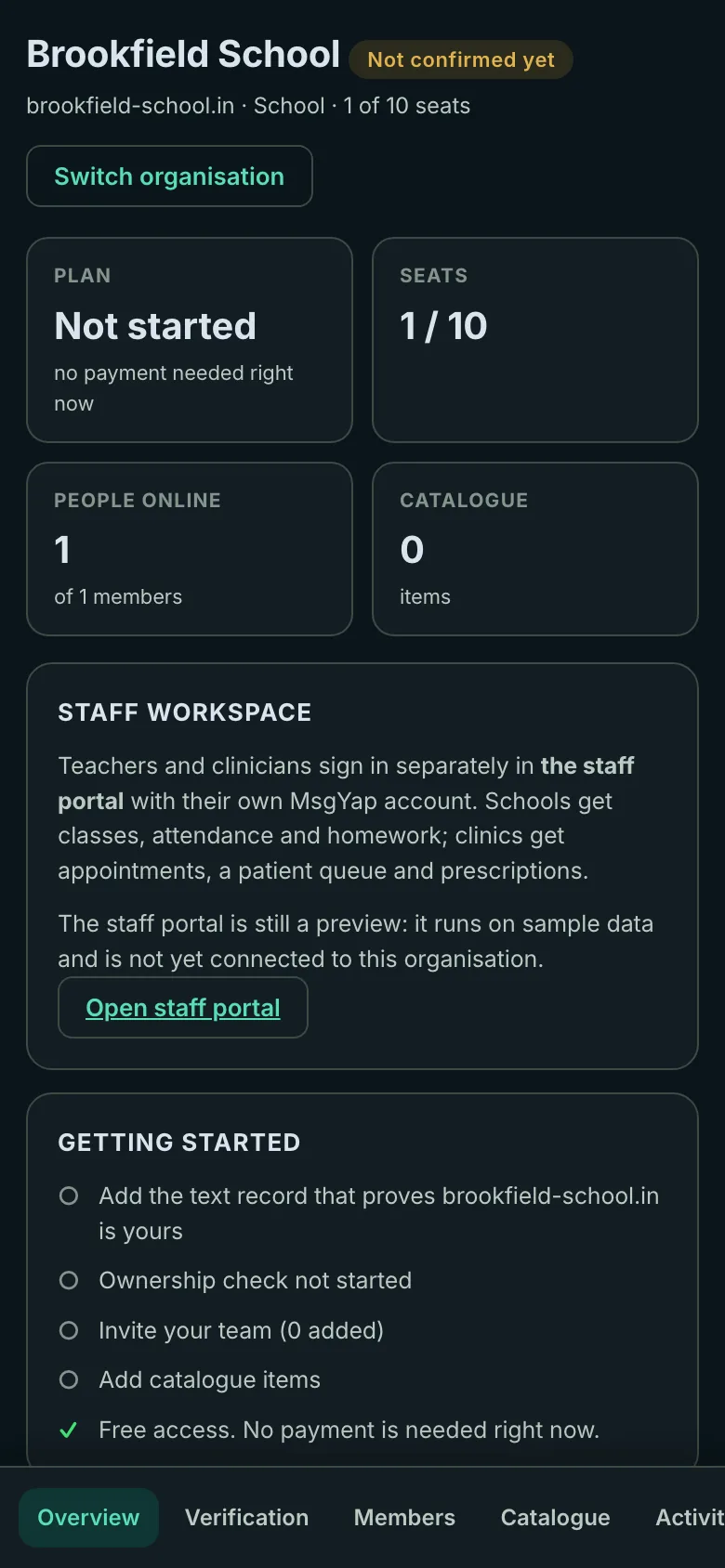
A verified workspace with a catalogue, profile, broadcast notices, a support inbox and an audit trail — with a domain proof instead of a personal SIM. Business →
Backup & recovery
An encrypted backup locked with your recovery phrase, restorable on another device and exportable to your own cloud storage. Your keys never leave your device.
An identity you can share without sharing your SIM.
A conversation needs an identity. It does not always need the number attached to your phone, your bank and your recovery codes.
People find you by a handle you choose, not by the number in your SIM tray.
Telecom identity stays with telecom. Messaging identity can be separate.
A recovery phrase and optional verified email, not a phone number, protect access.
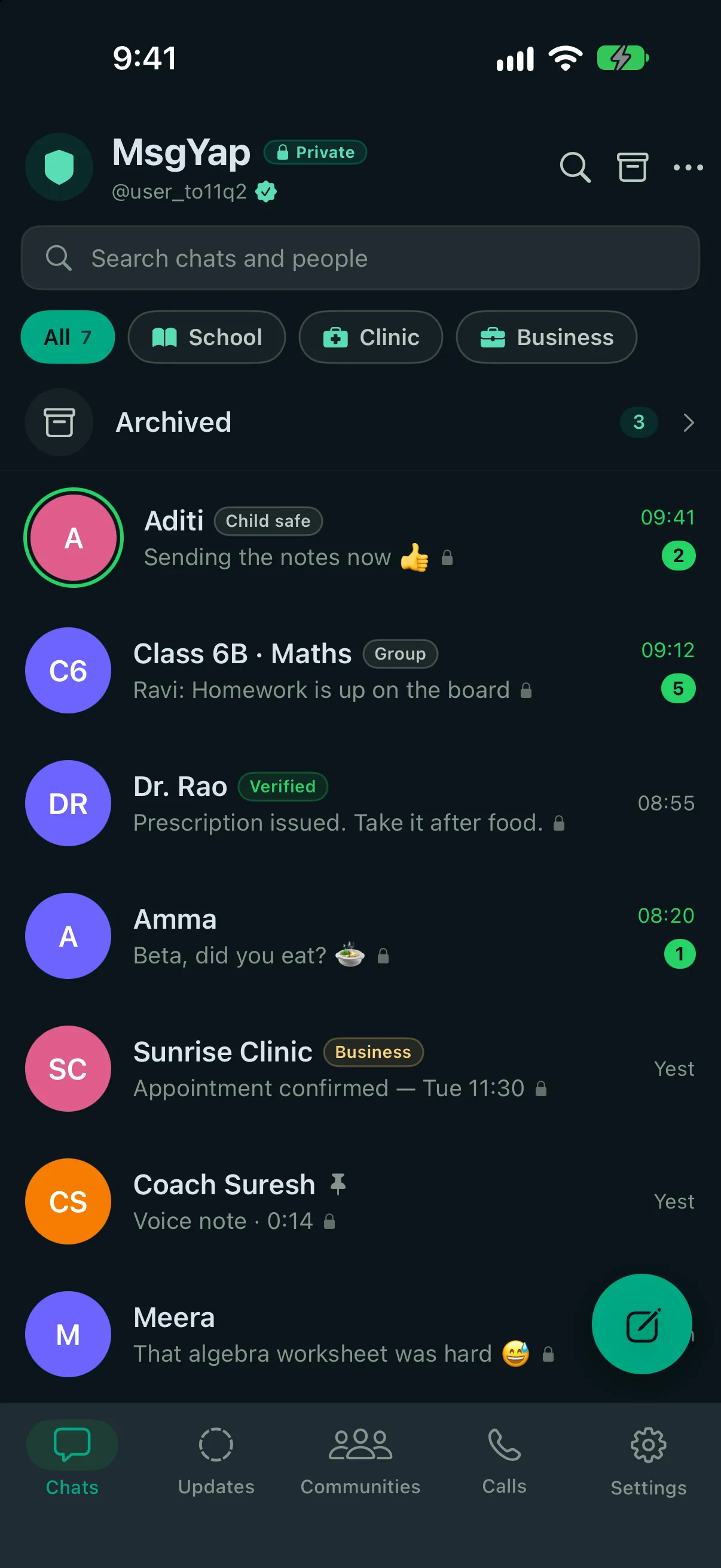
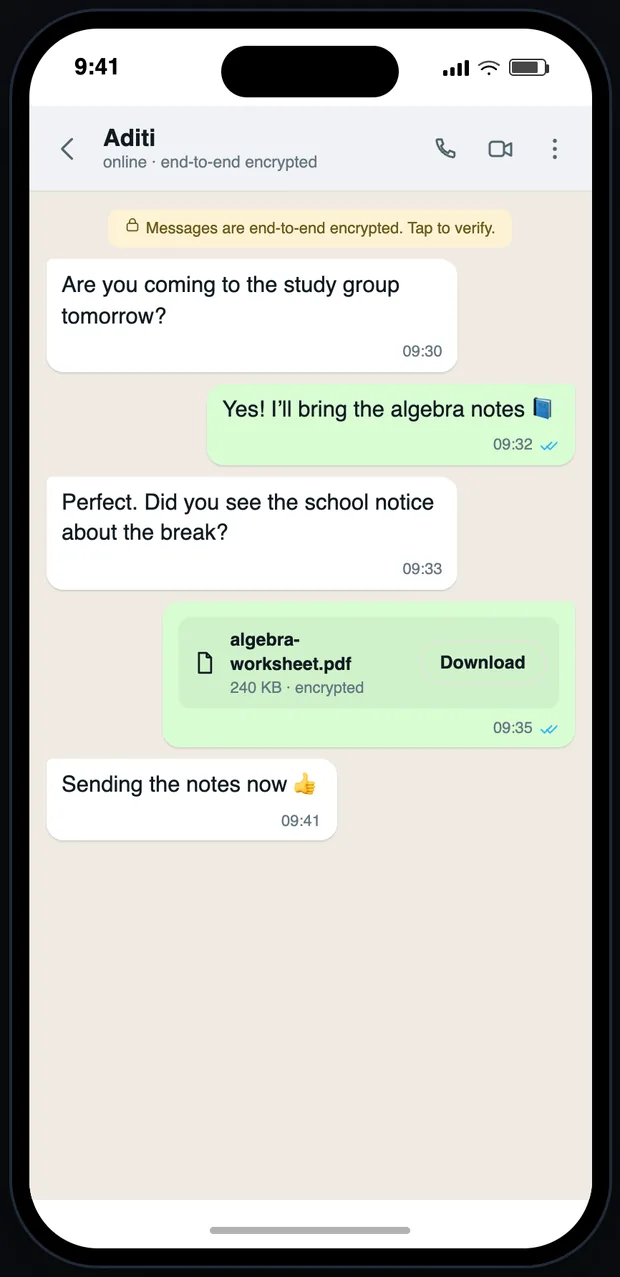
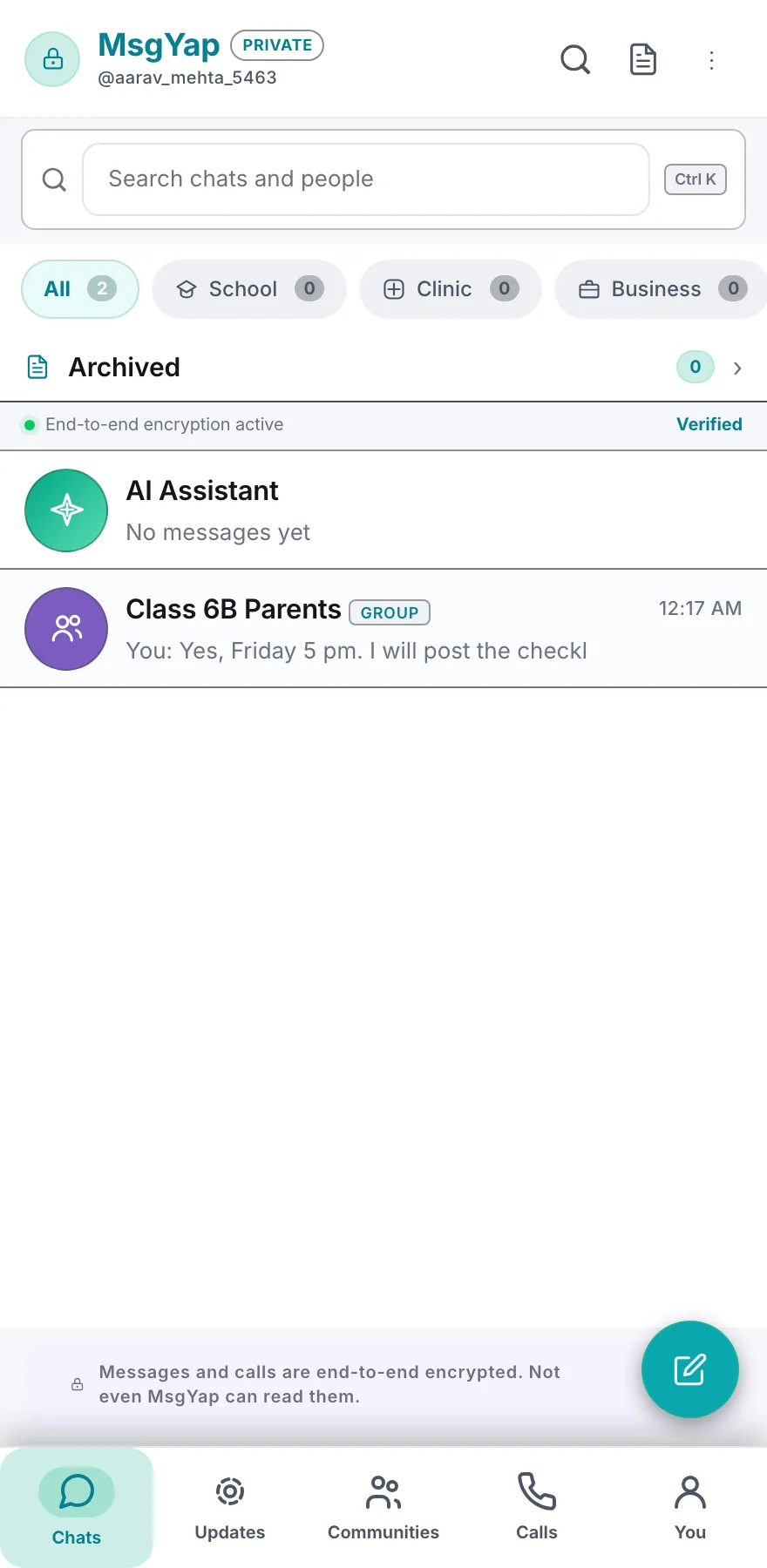
What the app looks like today.
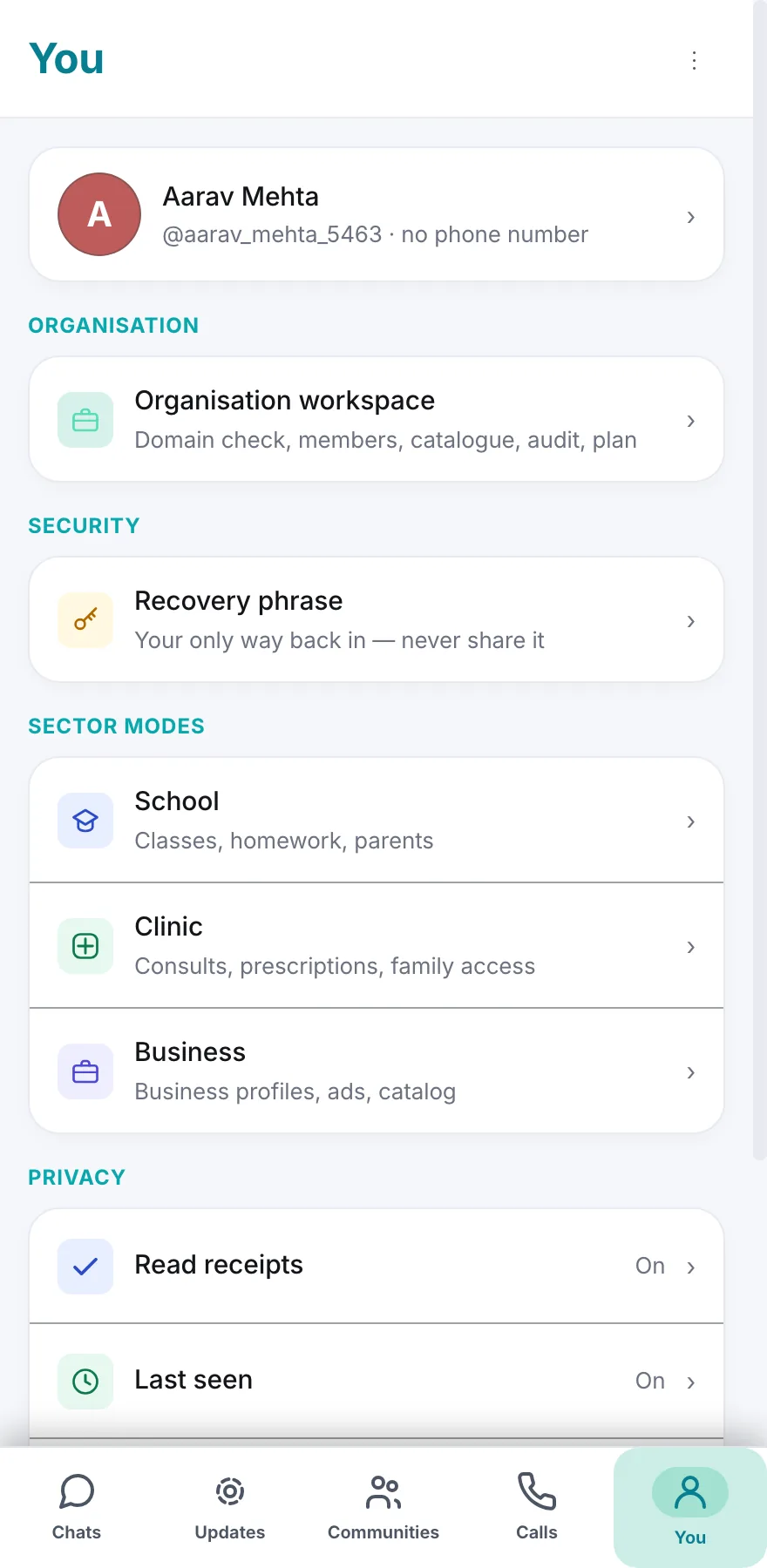
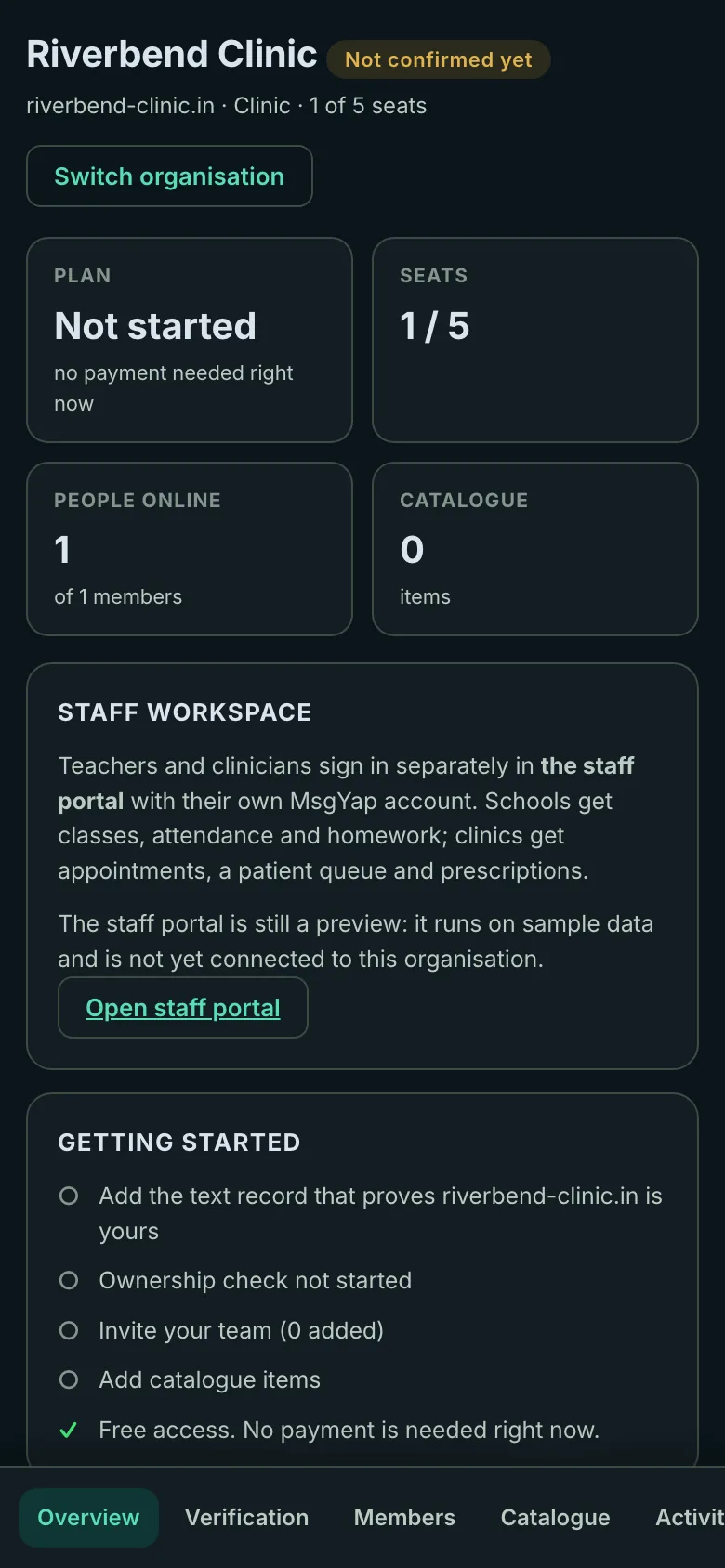
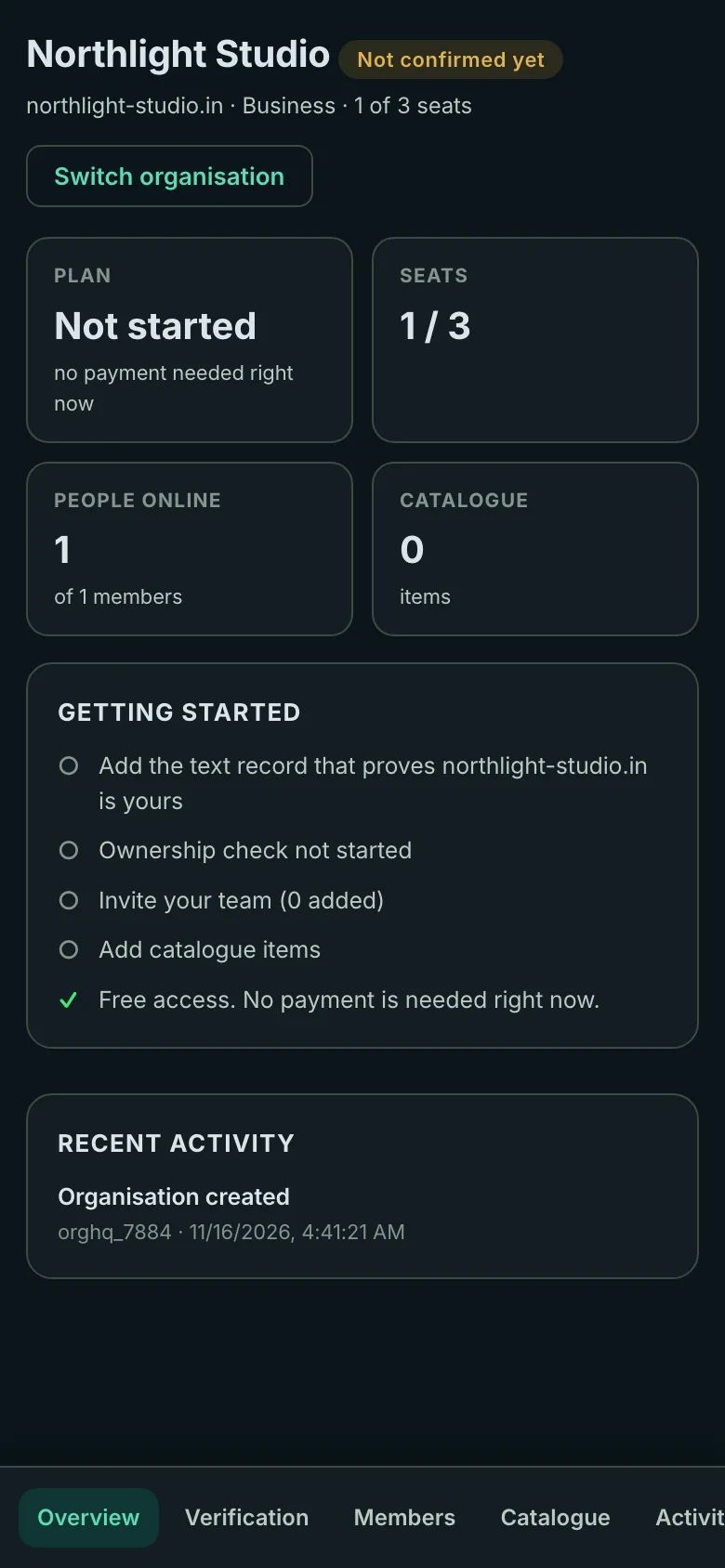
Real screenshots from current release: chats, groups, communities, settings and the organisation dashboards.
What is built, what is partial, what is roadmap.
Current release is the build behind this site. These lists follow the shipped app, not an aspiration deck.
Built Beta
- Username-first accounts, no phone number
- End-to-end encrypted chats, groups, calls, statuses, communities and attachments
- Optional email recovery
- Organisation workspaces
- Organisation management
- Privacy controls, account deletion and abuse reporting
Partial / pilot
- School and clinic workflows
- Staff portal in preview
- Native parity: Android and iOS clients still catching up
- Organisation billing: nothing is charged while workspaces are free
Roadmap
- Independent security audit completion
- Production multi-device sync
- group calling infrastructure
- Broader localisation
- Temporary identity and contact tokens
- Institutional institutional systems integrations
Free right now Every school, clinic and business workspace is free today. Nothing is charged, no card is required, and no paid plan is on sale.
Familiar messaging. A more private identity layer.
The things people expect from a modern messenger are here — without making a SIM number the centre of the experience.
Username-first
Connect by username instead of exposing a phone number just to start a conversation.
Private by design
Chats, groups, calls, statuses, communities and attachments are encrypted on the client before the relay sees them. The relay forwards sealed envelopes.
Calls in context
Move from messages to one-to-one voice or video calls without leaving the conversation.
Groups & communities
Group chats, polls, events and community-style spaces for everyday coordination.
Share naturally
Photos, video, voice notes, files, contacts, status and location sharing in the same app.
Organisations
Verified school, clinic and business workspaces with a dashboard. Free right now.
A messenger that feels quiet.
The same design runs on web and in the mobile builds. Sector filters keep school, clinic and business conversations separate without turning the home screen into a dashboard.
Five tabs, two levels deep, no hidden review mode.
Reply, react, star, pin, forward, edit, delete for me or everyone, and message info.
Read receipts, last seen, app lock, blocked users, disappearing messages and silence-unknown.
Delete the account and its encrypted backups in-app. Report an account without sending the chat.
Private communication should be engineered, not implied.
Client-side identity keys, authenticated relay sessions and encrypted envelopes. We are also explicit about what is still not finished.
Client-side identity
Private key material stays on the client. The relay receives public keys and ciphertext, not your messages.
Authenticated relay
Clients sign a challenge before routing. Directory writes are pinned to the signed-in username.
Encrypted envelopes
Messages, groups, calls, statuses and attachments are end-to-end encrypted; the relay cannot read message content.
Erasure that reaches backups
Deleting an account clears the directory entry, queued envelopes, push tokens, email and every encrypted backup.
Personal conversations first. Useful extensions when needed.
Personal messaging
Chats, calls, status and groups without requiring a phone number.
Communities
Bring related group conversations and events together under one name.
Organisations
Verified workspaces for schools, clinics and businesses: verification, members, catalogue and plan. Free right now.
Try MsgYap on the web or install the app.
Use msgyap.app in a browser, install the PWA, or request the Android build. iPhone is in testing.